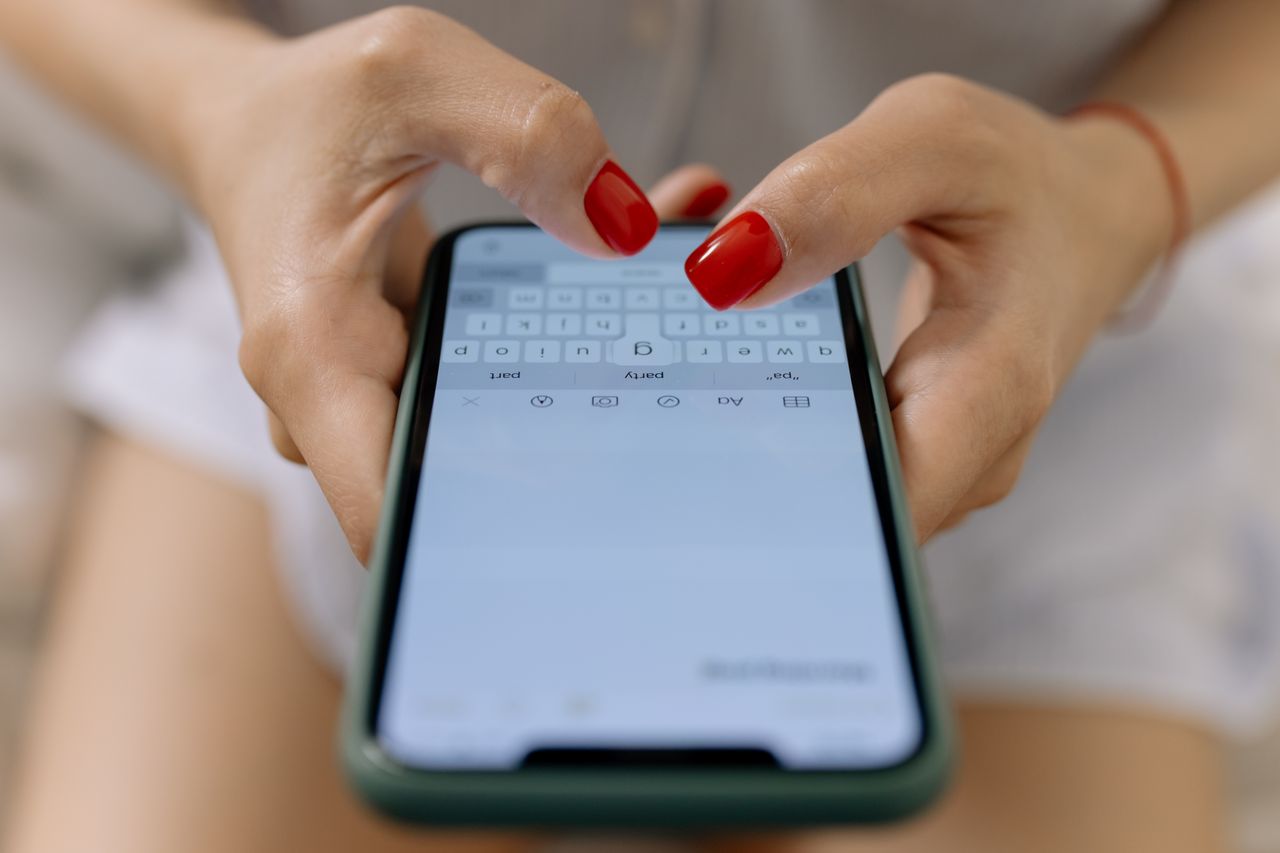
A person looks at a museum show poster, pulls out his phone and hopefully, lands on the ticket page. That’s all you can ask for. And yet, for some reason, we want him to download something. He wasn’t even a customer and you’re asking him to reach for his phone and download an application and remind himself to open it. The better option is to get him engaged with a light touch mobile stack, right in the device he already has with him.
Why an app is the wrong first move
Applications are appropriate for organizations that have recurring, high-touch interactions with their users; the sort of engagements where the friction of discovering, downloading, and opening the application is justified by the frequency of its use. A theater with four shows a year or an annual festival isn’t that kind of organization. Forcing a download on a prospective visitor before she’s decided to attend any of your events is counterproductive.
Mobile phones are already where the action is: fifty-eight percent of global website traffic originates on cellular networks (StatCounter). That isn’t a specialty channel to be mined and leveraged; it’s the default habitat for human discovery. We don’t have to find ways to get users to our app; we have to find ways to speak directly to them on the browsers and phones they’re already using
To do that, you need four tools: web push notifications, SMS mobile wallet passes, and potentially a progressive web app, if you really need a large icon to put on the homescreen for recurring events with a big audience. Most cultural institutions need only three of these levers. And trying to use all of them at once, without defining a hierarchy, is a common reason for messaging program underperformance
Audit your no-app toolkit before writing a single message
Before you write a single message, define what you want each lever to be responsible for.
Web push is for capturing attention: an on-sale notification that’s one-click to permission, appearing after a brief engagement with the event page, rather than on arrival. Asking a user to accept notification permission from within a push window is far less intrusive than standard email marketing permission flows.
SMS is for time-sensitive information: on-sale alerts, waitlist invites, and last chance notices. Leverage the ephemeral nature of text messages to deliver information that demands a response. Overusing SMS for non-urgent communication will lead to users opting out of your messages entirely
Mobile wallet passes are a feature that the entire ticketing industry is largely unaware of. A mobile wallet pass will notify a user of gate availability or day-of changes, ensure that an event isn’t buried in an email folder, and eliminate the need for any additional messages to be sent to a customer. No push, no SMS, no emails: no matter what update you want to share, it can piggyback on the mobile wallet push that the user has already opted to receive.
Finally, a PWA or progressive web app, if you really need one, is a lightweight presence that appears as a homescreen shortcut; a way to satisfy UX designers who want the convenience of an app but without the bloat and app store discovery tax. It can offer a native splash screen and top-level navigation for the average event listing or ticketing system.
Design around the discovery-to-attendance moment
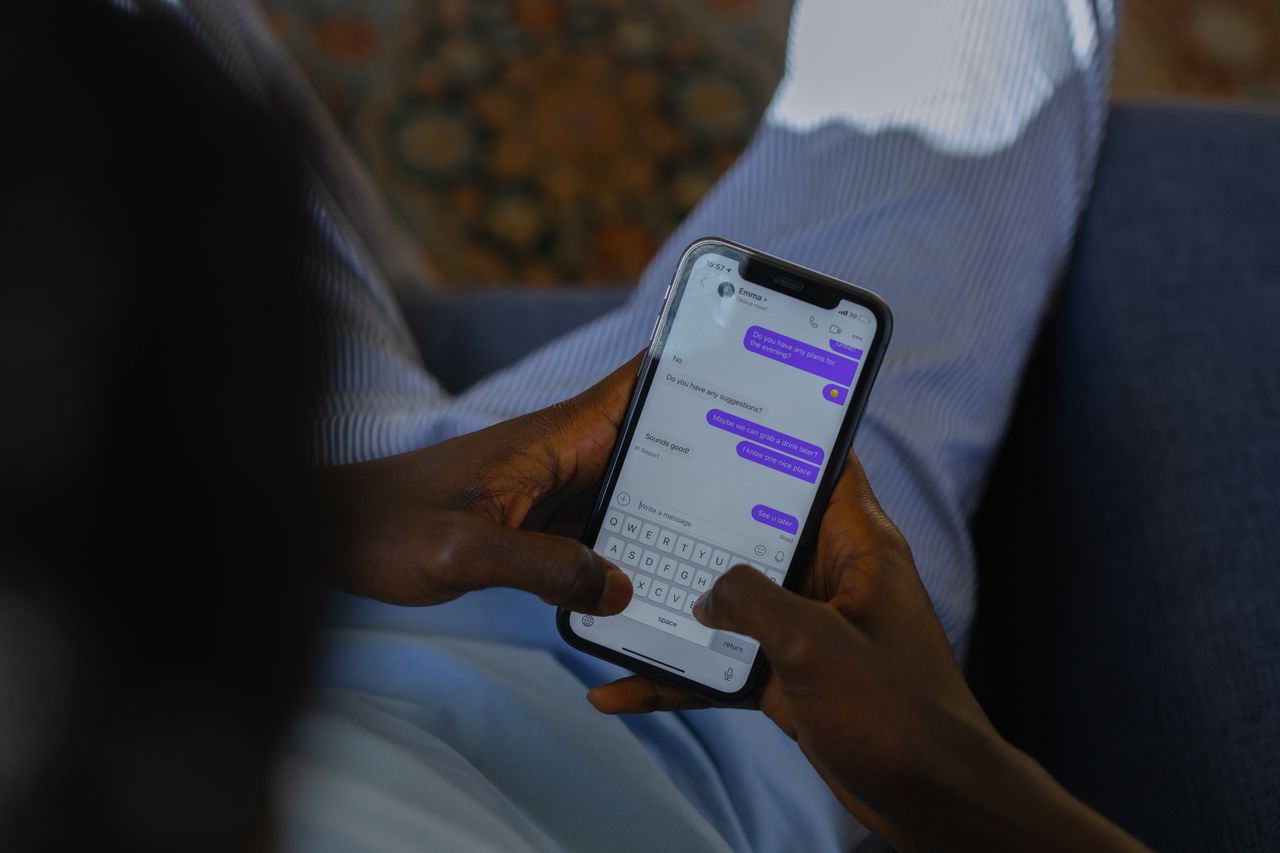
A common design flaw in mobile opt-in systems is creating a form at the bottom of the page for a newsletter subscription. That’s not the moment of engagement; that’s the opt-in prompt for people already interested in receiving your messages.
The better model is to tie the opt-in prompt to the discovery moment. When someone opens an event listing after seeing it in a poster or on social media, that’s when you should ask them if they want more information.
It’s also the moment to think about what the opt-in offer should say. “Sign up for our newsletter” is a vague ask that describes what you’re going to send, not the value of receiving it. Instead, frame the event-specific offer around the benefit of being first to know about ticket releases or getting waitlist updates in real time.
Design your message sequences around the fixed dates or time windows you already have: the on-sale date itself, the early-bird deadline, or the final-week reminder. Sending a generic broadcast whenever content is available to promote doesn’t induce urgency or action. Tying a specific message to a known date provides both.
Segment by behavior, not just demographics
Once someone has opted in, treat them differently depending on what they’ve done in your system. Past attendees are more valuable than those who’ve only opened an email, so their next message should be different. Genre is often a proxy for engagement, so someone who’s clicked on every jazz listing but ignored your theatre offerings should receive different messaging than an opera buff. And proximity is always important: someone who’s browsing on a desktop three-thousand miles from your festival is a different lead than the person geofenced near your venue the day of the show.
That’s why geo-targeting has its place in the stack. A push message sent to a user within range of your facility on the day of the event is much more compelling than the same message sent as a general broadcast the week beforehand. The local visitor who receives it has a much higher chance of showing up, having browsed an event listing on their phone or the institution’s website.
Automate the moments that already have intent behind them
Some message triggers should be automated, since the intent signals behind them are strong.
Abandoned ticketing sessions make for the best automated trigger there is: someone added a ticket to their cart but left the page. One simple reminder, sent an hour or so after the session ends, will recover most of the traffic without any further intervention. First-time attendee welcome series turns one ticket sale into two: the one purchase is rewarded with another event in the series, already queued up for the happy customer as soon as they arrive at the ticketing page. Post-event follow-up messages, sent ideally a day after the show, are one of the most underused levers there are. They turn one-time attendees into season subscribers, and the next ticket sale is a given. None of these messages require a human to compose or send. Everything can be automated; all it takes is setting the rules to trigger these sequences.
Expanding beyond your own list
Your owned and operated channels only go so far. Web push and SMS notifications only go to users who’ve opted in, and, no matter how good your on-site opt-in prompt is, most potential attendees will never reach it. They’ll see your poster, maybe browse the festival page for a bit, and leave without signing up or buying anything.
That’s why paid media has its place in the stack, too. One option is to push ads to mobile devices when trying to reach users who’ve visited the event page but not subscribed or purchased anything, without requiring them to fill out their contact info first. Paid push complements the owned-and-operated message channels nicely, since the latter only reach the small minority of visitors who’ve already signed up. For an exhibition or a festival with a hard deadline, the majority of sales will come from this second group.
Bridge the physical and digital with QR codes
Most QR codes on physical promotion materials are still scanned on phones, so it’s important to get visitors to the right place: a QR code that links directly to the event’s opt-in prompt, rather than the generic event listing page. This is where deep linking becomes important: if you’re trying to drive mobile engagement, putting a QR code in a poster that only gets people to a general events calendar is much less effective than getting them to the place where they can sign up right away. This applies to any printed collateral that links to an online presence: QR codes work best when the destination is tailored to the visitor and what they’re looking to do next
Measure attendance, not just opens
Click-through rates for messages and open rates for emails are essential performance indicators, but they don’t tell you how effective your communication was at driving sales. This is especially true for SMS, where every message sent has a cost associated with it; you don’t want to be spending money on texts that are just stealing customers from one segment of your audience that would have bought a ticket anyway. As a rule of thumb, all links in your messages need to be tagged with UTM values, and every channel has its own unique promo code, if applicable. For paid SMS campaigns, the phone number used for sending the messages can also be tracked separately, if the volume warrants the investment
Standard click-through rate benchmarks are useful, but they’re only a baseline. The real measurement for your messages is from the time they’re sent to the point when the customer scans a ticket: this is how much value your engagement efforts are truly providing.
Build compliance in from day one, not as an afterthought
All of these tactics are useless if users stop receiving your messages. SMS compliance is a serious concern for any organization that uses it, and TCPA rules should be taken seriously in terms of opting out. Every SMS message should have an opt-out mechanism, and those that don’t follow the appropriate regulations are at risk of being flagged by users and having their numbers blacklisted. Users who request to unsubscribe from web push notifications should be unsubscribed immediately: a single spam complaint from anyone can get your domain added to internal push notification blockers in all browsers. If you’re collecting personal information from users that fall under similar regulations (typically in Europe), you should apply the same level of consent to messaging as well. Finally, frequency should be low enough that users don’t feel inclined to take matters into their own hands by unsubscribing from all your notifications at once.
Treat the whole thing as a running experiment
Test, measure, optimize. Don’t argue about what makes sense; A/B test send times across your audience and use real-time data to determine what time window is actually optimal for you. Don’t guess about the difference between an offer with the word “last” in it and one that says “final 48 hours”: run the test and see for yourself, and use the results to inform your next newsletter. Every engagement campaign needs to be treated as a single experiment that provides data for the next one. What segment saw the highest open rates? What message triggered the most abandoned ticketing sessions to be recovered? Which paid push audience was most likely to purchase? Use all that information to inform your next newsletter, post-event follow-up, or on-sale alert. The first time a user sees your poster is only the beginning; their journey on their phone has just started.